
How to save Instagram stories to Telegram (3 ways)

For the odd story, save it from Instagram and send it to “Saved Messages” in Telegram as a file, so the photo isn't compressed. To keep every new story without thinking about it, have them delivered to Telegram automatically.
In this post
Stories disappear after 24 hours, and the copies in your photos get buried under everything else. Telegram makes a tidy story archive instead: it's free, the same chat opens on your phone, your computer and the web, and scrolling a chat is an easy way to look back. There are three ways to get stories there.
Menu names change between app versions, and between iPhone and Android. If a label doesn't match exactly, look for the closest one.
Why keep stories in Telegram?
- Cloud storage: photos and videos in your chats stay in Telegram's cloud, so they're still there after you change phones.
- Every device: the same chat opens on your phone, your computer and the web.
- Light on storage: clearing Telegram's cache frees space on your phone, and files in the chat can be downloaded again.
1. Send them yourself to Saved Messages
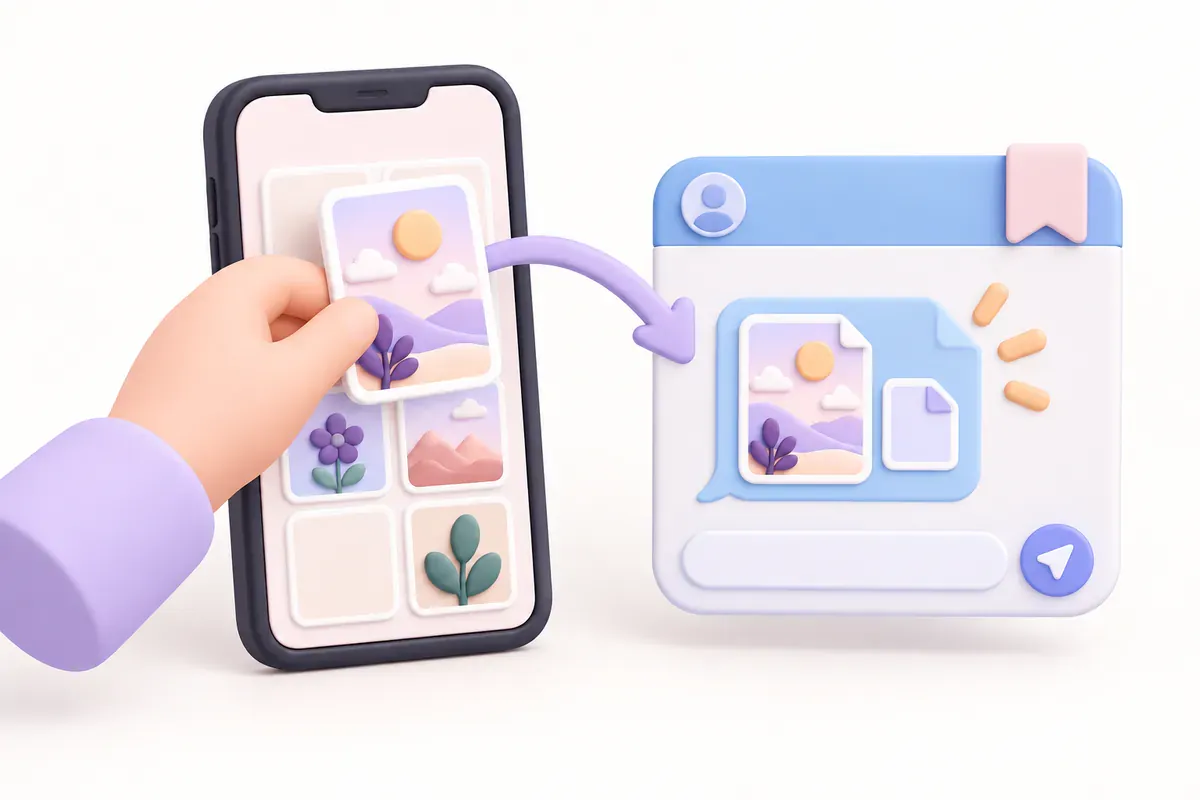
For your own stories, save them from Instagram and send them to Saved Messages, the private chat with yourself that every Telegram account has.
- In Instagram, open your story, tap ⋯ More and choose Save. Older ones are under Profile → ☰ Menu → Archive.
- In Telegram, open Saved Messages and tap the paperclip to attach.
- Send the photo or video as a file. Sent as a regular photo, Telegram compresses it and the quality drops.
To have Instagram save your stories on its own first, see how to save Instagram stories automatically.
Good
- Free
- You choose which stories
- Original quality when sent as a file
Not so good
- You do it every time
- Easy to forget on busy days
2. Download bots: send a link, get a file
Telegram also has bots that send back the photo or video when you give them an Instagram link or username. It's quicker than switching between apps, but as with method 1 you still ask for each story yourself.
Most are unofficial, so they can stop working or come with ads. Never send a bot your Instagram password or a login code. Public stories don't need either.
Good
- No switching between apps
- Usually free
Not so good
- You ask for every story
- Quality and reliability vary by bot
- Risky if it asks you to log in
3. Automatic delivery: new stories arrive on their own
To keep every story without thinking about it, take yourself out of the loop. Connect an Instagram username and Telegram to Story Autosave, an automatic Instagram story saver, and each new story is sent to Telegram for you.
- Sign up and pick a plan for the number of accounts you need (1, 3 or 5).
- In Account → My subscriptions, enter the Instagram username, the part after @. No password needed.
- Connect Telegram and press START in the bot.
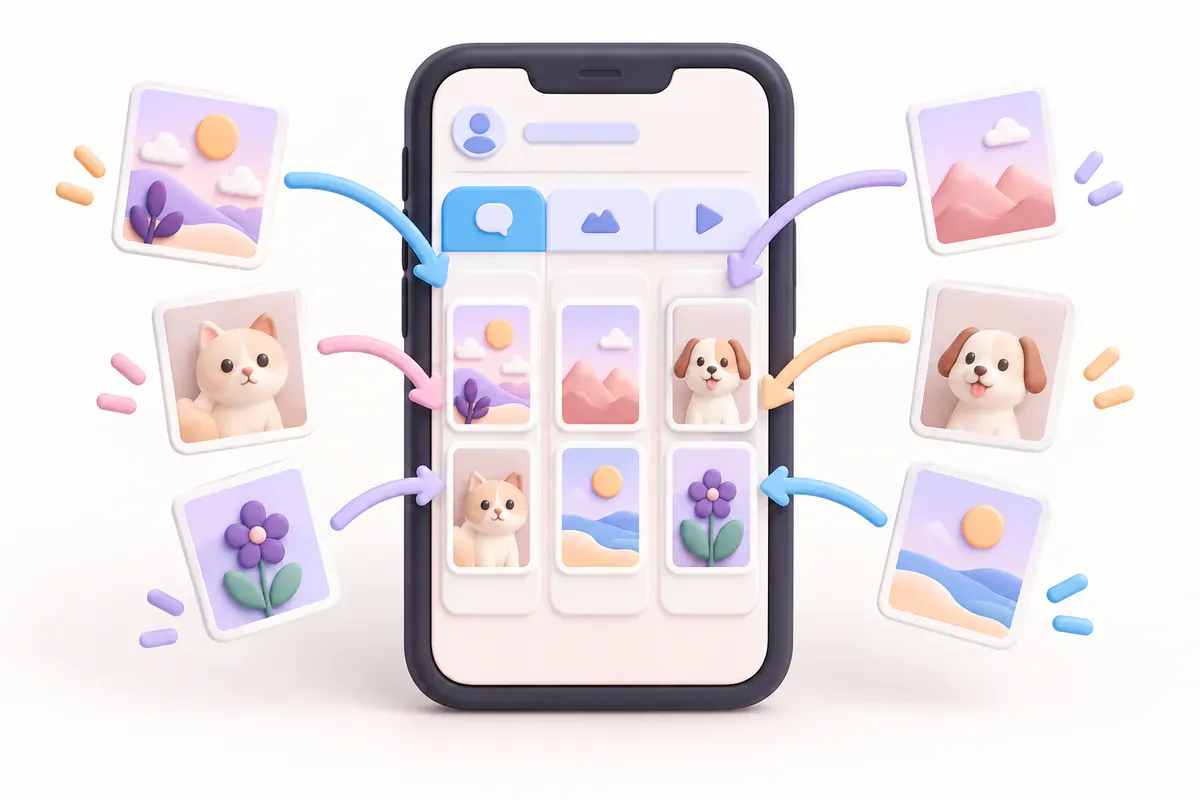
- That's it. New stories arrive in Telegram, each account in its own @username topic.
Photos arrive as original files and videos as videos, each with the account name and the time the story went up. New stories are checked regularly, so they arrive a little after they're posted, not instantly.
Good
- Set it up once
- Original photo files and videos
- Sorted into a topic per account
Not so good
- Paid service
- Public accounts only
- Can't fetch stories that disappeared before you set it up
The three ways compared
| Method | Automatic | Photo quality | Effort |
|---|---|---|---|
| Saved Messages, by hand | No | Original if sent as a file | Every story |
| Download bot | No | Depends on the bot | Ask for each story |
| Automatic delivery | Yes | Original photo files and videos | One-time setup |
Keeping stories tidy in Telegram
- Pin the chats or topics you open most so they stay at the top.
- Search a chat for an account name, or jump to a date from the calendar.
- Free up space by clearing Telegram's cache in its storage settings; files in your chats can be downloaded again.
Quick questions
Do I need a Telegram account?
Yes. Stories are delivered to a Telegram chat, so you need a free Telegram account, which you can create with a phone number.
How much quality do photos lose in Telegram?
Sent as a regular photo, Telegram shrinks the image, so it can end up smaller than the original. Send it as a file to keep the original. Story Autosave sends photos as files.
Can I get stories from a private account?
Not with automatic delivery, which works with public accounts only. For your own private account, save your stories and send them yourself with method 1.
Can I move stories that already disappeared to Telegram?
If they're your own, open them from the Archive, save them and send them with method 1. Automatic delivery also sends stories that are still up when it first checks an account, but it can't fetch ones that already disappeared.
References and further reading
Keep reading
How to save Instagram stories automatically (3 ways)
Turn on Instagram's two auto-save switches, see what each one keeps, and back up every new story to Telegram on its own.
4 min read#Instagram#Stories#Auto-save
Does Instagram notify when you screenshot a story? (2026 answer)
No. Instagram doesn't notify anyone when you screenshot or screen-record a story. Here's what it does show, and when DMs and vanish mode are different.
3 min read#Instagram#Stories#Screenshots
Instagram story not saving to your camera roll? 5 things to check
Check Instagram's save setting, photo permissions, storage and music restrictions when a story won't save to your camera roll.
3 min read#Instagram#Stories#Camera roll