
Does Instagram notify when you screenshot a story? (2026 answer)
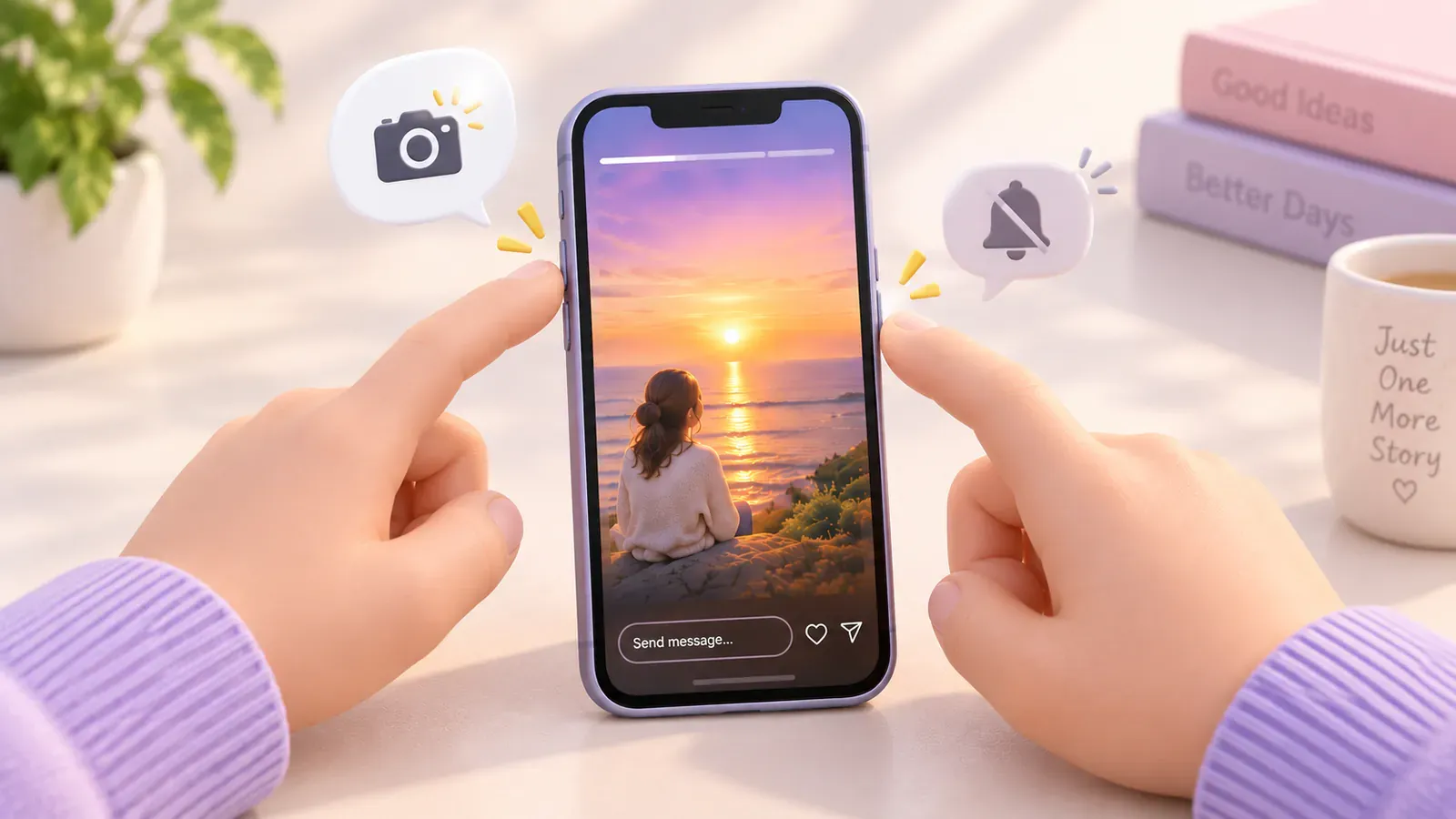
No notification for story screenshots or screen recordings. Chats in vanish mode do notify, and disappearing DM photos can block capture. Opening a story still puts you on its viewers list.
In this post
No. Instagram doesn't notify anyone when you screenshot or screen-record a story, whether the account is public or private. What the other person can see is that you viewed it.
This reflects how Instagram works as of 2026. Instagram has tested screenshot alerts before and could change its rules again.
What the other person finds out
| What you do | Does the other person find out? |
|---|---|
| Screenshot or screen-record a story | No |
| Screenshot a highlight, post or reel | No |
| Open someone's story | Yes, you're on its viewers list |
| Archive a story you posted | No, only you can see archived stories |
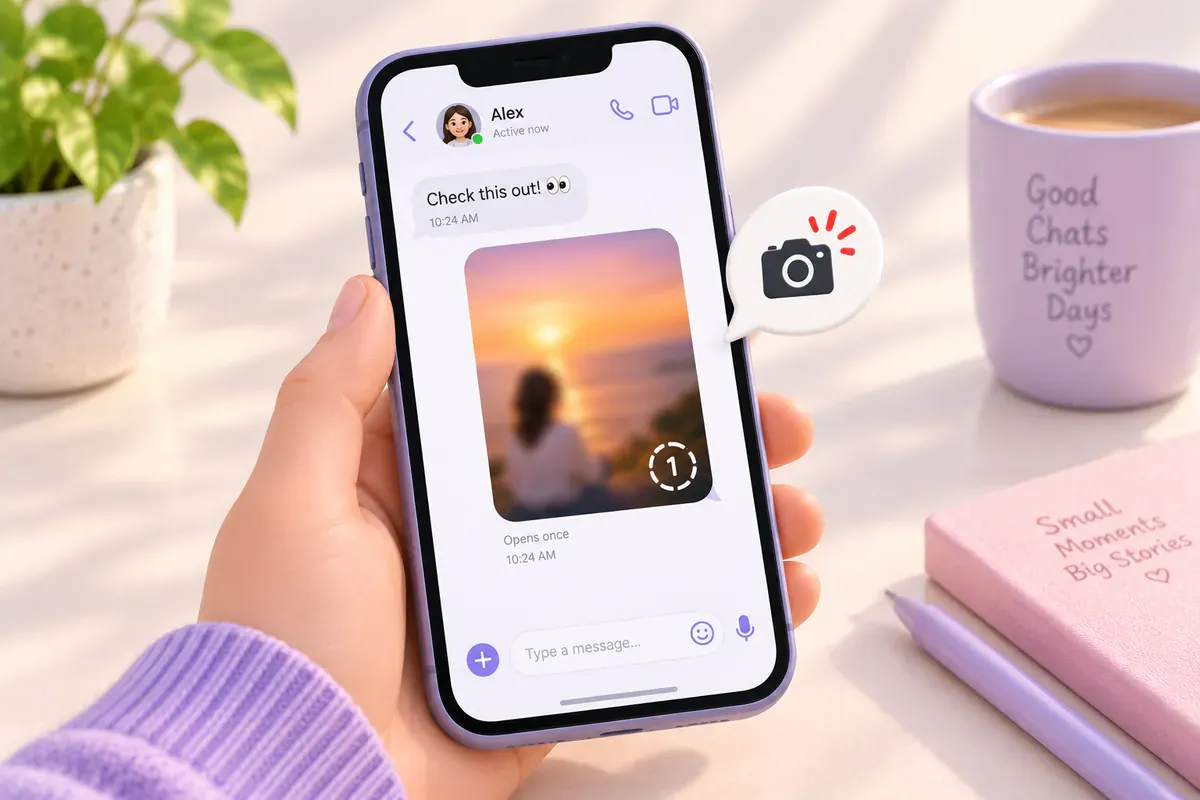
| Screenshot a View once or Allow replay photo in DMs | Capture may be blocked; if not, the sender can see it |
| Screenshot a chat in vanish mode | Yes, they get a notification |
Instagram doesn't send a notification when someone screenshots or screen-records a story, whether it's from a public or private account. Instagram briefly tested story screenshot alerts in 2018 and dropped them.
Disappearing DMs have different protections
Meta announced screenshot and screen-recording prevention for View once and Allow replay media in DMs. Do not assume a capture will work or only send an alert. Follow the notice shown in your app; these protections are separate from ordinary stories.
What the other person can see: the viewers list
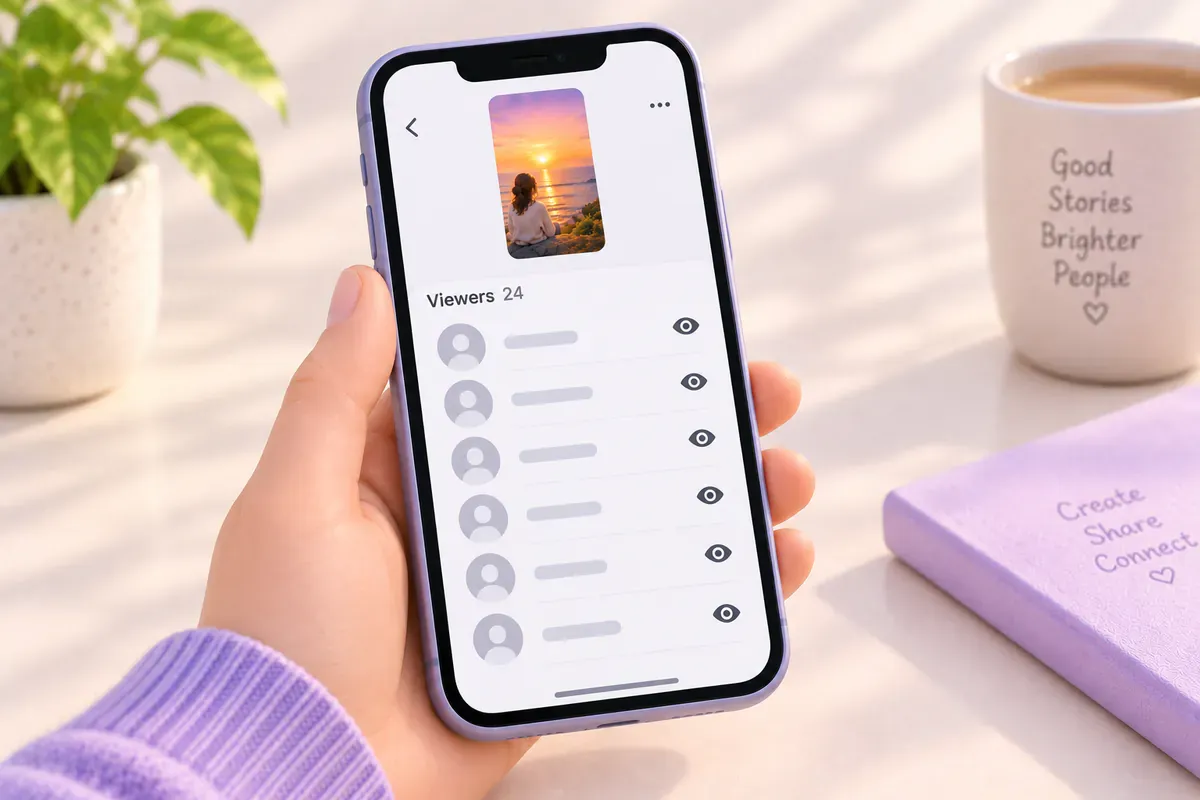
A screenshot is silent, but your view isn't. The person who posted can see who viewed their story while it's live and for a short time after in their Archive. Screenshot or not, your name is on that list once you open it.
Apps that promise to tell you
Some apps claim they can show who screenshotted your stories. Instagram doesn't share that information with anyone, so they can't. Many of them ask for your Instagram password, which puts your account at risk. Skip them.
Don't want your stories copied? Here's what works
- Share personal stories with Close Friends only.
- Use Hide story from for specific people.
- Make your account private so only approved followers see stories.
- Remember that anything on screen can be photographed with another phone. Post accordingly.
Want to keep your own stories? Skip the screenshot
Screenshots are a poor way to save your own stories: lower quality, no video, no sound. Instagram already gives you better options. See 5 ways to keep your stories after 24 hours, and if your story has a song, how to save it with the music still on.
Quick questions
Does screen recording a story send a notification?
No. A screen recording of a story is as silent as a screenshot. Only disappearing photos and videos in DMs and chats in vanish mode work differently.
Can someone see that I viewed their story?
Yes. Opening a story adds you to its viewers list. That's separate from screenshots, which aren't shown anywhere.
Can I see who screenshotted my story?
No. Instagram doesn't record story screenshots, so neither Instagram nor any other app can tell you who took one.
Does Instagram notify when you archive a story?
No. Archiving is silent, and only you can see archived stories unless you share them again.
Does Instagram notify when you screenshot a highlight, post or reel?
No. Highlights, posts and reels don't send screenshot notifications either. The exceptions are disappearing photos and videos in DMs and chats in vanish mode.
References and further reading
Keep reading
How to save Instagram stories automatically (3 ways)
Turn on Instagram's two auto-save switches, see what each one keeps, and back up every new story to Telegram on its own.
4 min read#Instagram#Stories#Auto-save
How to save Instagram stories to Telegram (3 ways)
Send stories to Saved Messages yourself, use a download bot, or have new stories delivered automatically. How each one works and what happens to photo quality.
4 min read#Instagram#Stories#Telegram

Instagram story not saving to your camera roll? 5 things to check
Check Instagram's save setting, photo permissions, storage and music restrictions when a story won't save to your camera roll.
3 min read#Instagram#Stories#Camera roll