
How to save Instagram stories automatically (3 ways)
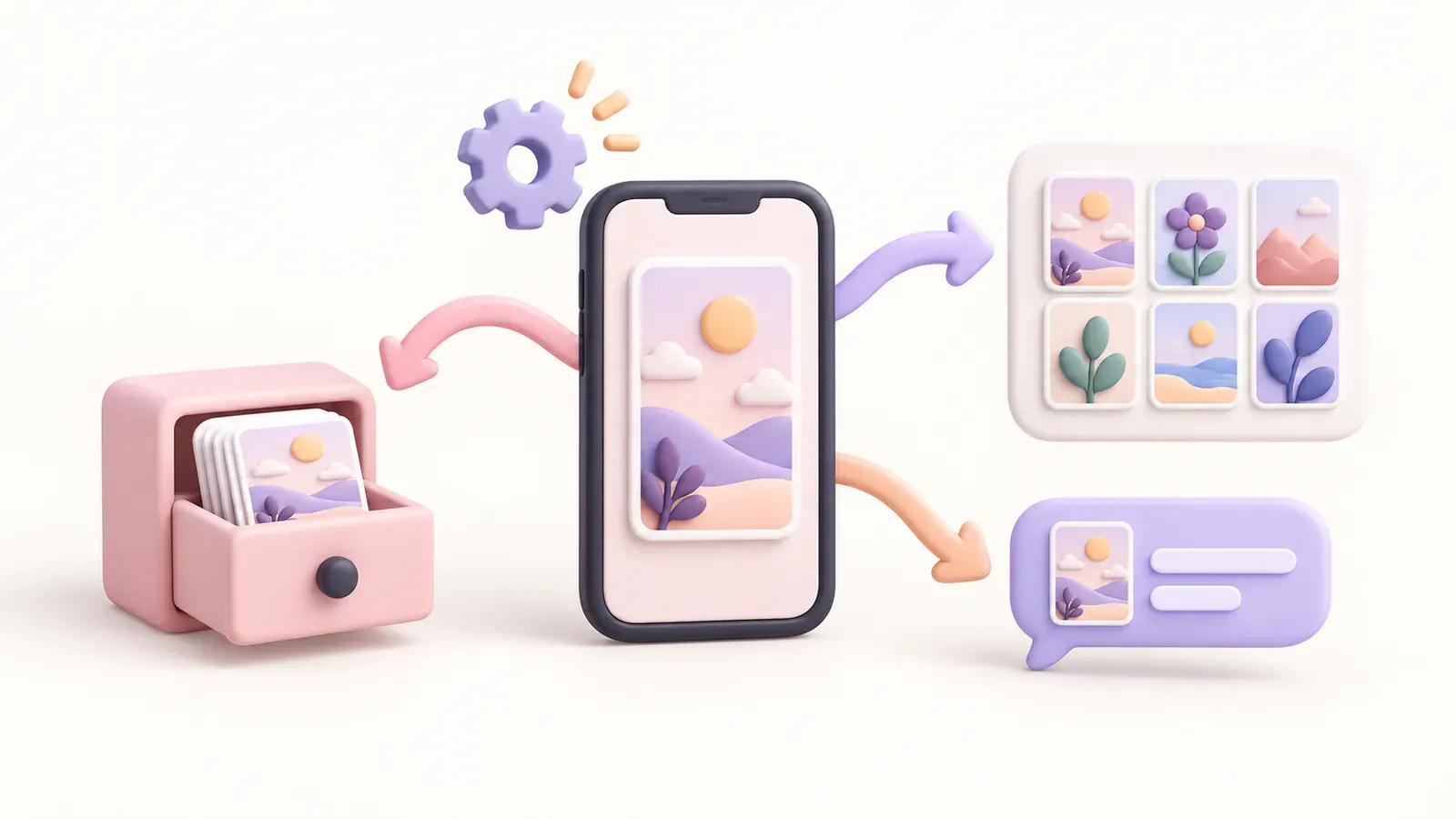
Instagram has two switches that save your stories for you: “Save story to archive” (on by default, kept inside the app) and “Save story to camera roll” (a copy on that phone). For a copy outside Instagram that opens on every device, back up new stories to Telegram automatically.
In this post
Tapping save after every story works right up until the day you forget. The reliable way is to let it happen on its own. Instagram has two settings that save stories automatically, and you can add a backup outside Instagram that runs by itself too. Here's how to switch each one on and what it actually keeps.
Menu names change between Instagram versions, and between iPhone and Android. If a label doesn't match exactly, look for the closest one.
The short version: three ways compared
| Method | Where you turn it on | Where the copy lives | After a new phone |
|---|---|---|---|
| Archive | Instagram settings | Inside Instagram, only you | Stays with your account |
| Camera roll | Instagram settings | The phone you posted from | Check the switch again |
| Telegram backup | Story Autosave | A Telegram chat | Opens on any device |
1. Archive: on by default
Unless you turned it off, Instagram already files every story you post into your Archive after it disappears from your profile. Only you can see it, and from there you can share a story again or add it to a highlight.
- Profile
- ☰ Menu
- Archiving and downloading
- Save story to archive
If the switch is on, you're done. Your saved stories are under Profile → ☰ Menu → Archive.
Good
- Automatic and free
- Only you can see it
Not so good
- Only viewable inside Instagram
- Lose the account, lose the archive
2. Camera roll: a copy on your phone
In the same Archiving and downloading menu, turn on Save story to camera roll (on Android it may say gallery). From then on, every story you post is also saved to your phone's photos.
- Profile
- ☰ Menu
- Archiving and downloading
- Save story to camera roll
It only covers stories you post after switching it on, and only on the phone you post from. If it's on but nothing shows up, go through why stories don't save to your camera roll.
Want to turn it off?
If the extra copies in your photos bother you, switch the same setting off. As long as Save story to archive stays on, your stories are still kept in the Archive.
Good
- A real file you own
- Covered by your phone's normal backup
Not so good
- Mixed in with everything else in your photos
- Only saves from the phone you posted on
3. Telegram backup: outside Instagram, on every device
The Archive and the camera roll each depend on one thing: your Instagram account or a single phone. Lose either and the copies can go with it. To keep a copy somewhere else, have new stories sent to a Telegram chat automatically. For the other ways to get stories into Telegram, see how to save Instagram stories to Telegram.
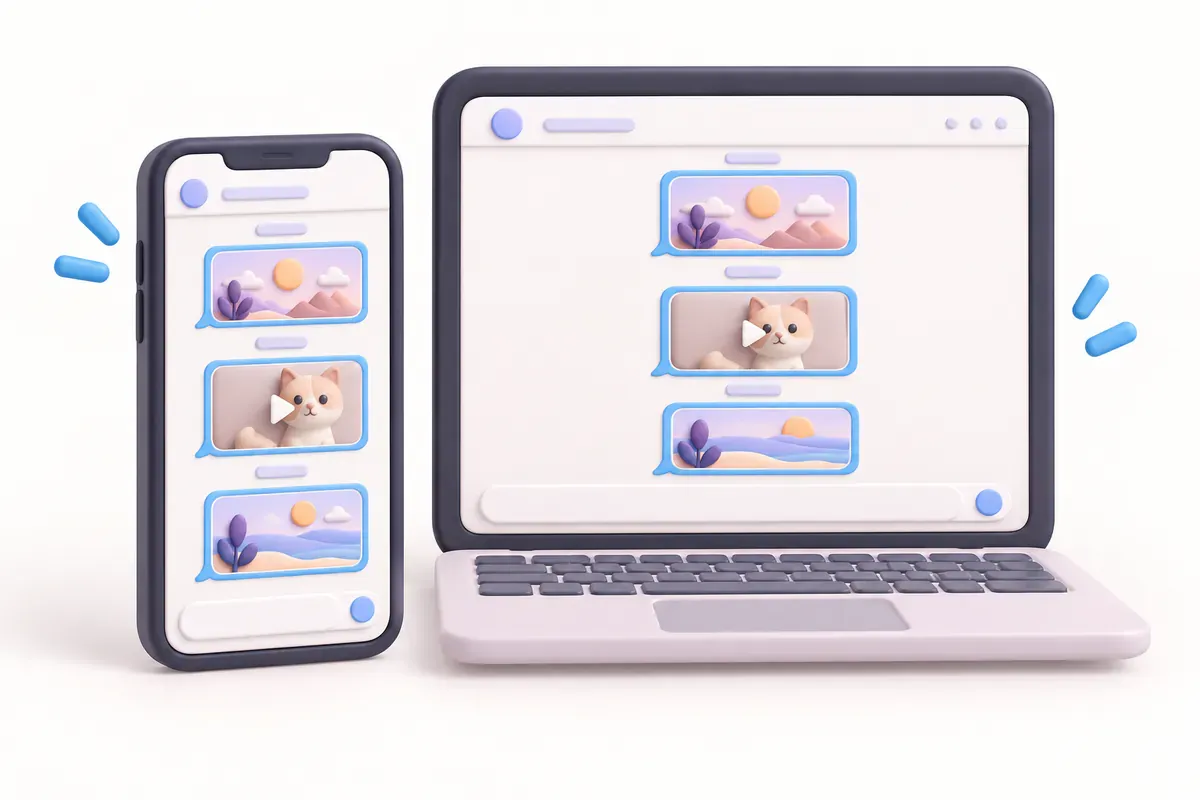
With Story Autosave, an automatic Instagram story saver, setup takes a few minutes:
- Sign up and pick a plan for the number of accounts you need (1, 3 or 5).
- In Account → My subscriptions, enter the Instagram username, the part after @. No password needed.
- Connect Telegram and press START in the bot.
- That's it. New stories arrive in Telegram, each account in its own @username topic.
Photos arrive as original files rather than compressed images, and videos as videos. New stories are checked regularly rather than the moment they go up, so they arrive a little later, not in real time.
Good
- Set it up once
- Kept in Telegram, apart from Instagram and your phone
- Sorted by account, easy to find
Not so good
- Public accounts only
- Can't fetch stories that disappeared before you set it up
How to check that it's working
- Open ☰ Menu → Archiving and downloading and make sure both switches are on.
- Post a short test story and look in Recents or the Instagram album in your photos.
- The next day, find it under Profile → ☰ Menu → Archive.
- Using the Telegram backup? Check that account's topic a little after posting.
Quick questions
My archive switch was off. Can I still save old stories?
Usually not. Both switches only apply to stories you post after turning them on, which is why it's worth setting them up now.
Can I back up a private account to Telegram?
Not with Story Autosave, which works with public accounts only. For a private account, use the Archive and camera roll settings above.
Are stories with music saved automatically too?
Not always the way you'd expect. Licensing can leave the music out of the saved copy, or keep the story from saving as you'd like. For ways to keep the sound, see how to save Instagram stories with music.
Do my settings carry over to a new phone?
Check both switches once on the new phone. The camera roll one is the one most often found switched off after a change of phone or a reinstall.
References and further reading
Keep reading
How to save Instagram stories to Telegram (3 ways)
Send stories to Saved Messages yourself, use a download bot, or have new stories delivered automatically. How each one works and what happens to photo quality.
4 min read#Instagram#Stories#Telegram

Does Instagram notify when you screenshot a story? (2026 answer)
No. Instagram doesn't notify anyone when you screenshot or screen-record a story. Here's what it does show, and when DMs and vanish mode are different.
3 min read#Instagram#Stories#Screenshots
Instagram story not saving to your camera roll? 5 things to check
Check Instagram's save setting, photo permissions, storage and music restrictions when a story won't save to your camera roll.
3 min read#Instagram#Stories#Camera roll