
How to save Instagram stories with the music still on (3 ways)
Music may be missing from saved or archived stories. Check playback first, test whether screen recording captures audio, or keep your original video with music you have permission to use.
In this post
You picked the perfect song, posted the story, saved it to your phone, and played it back. Silence. You didn't do anything wrong. It's how Instagram handles music.
The music library, menu names and what gets saved can differ by country, account type and app version. Test with one story before relying on a method.
Why the music goes missing
Songs in the music sticker are licensed for playing inside Instagram. When a story is copied out of the app, Instagram often leaves the licensed track behind, so you get the photo or video without the song. Business accounts can also have a smaller music library.
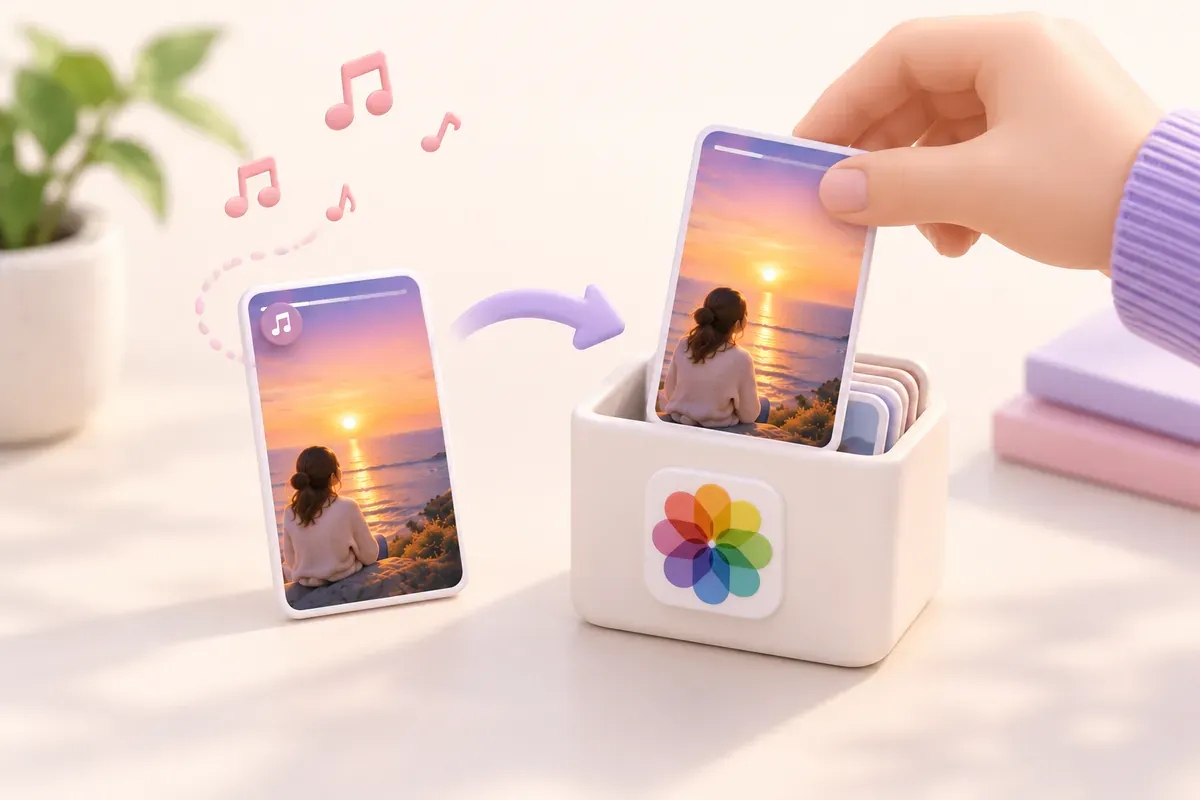
1. Check whether the Archive still plays the music
Open your archived story and check its sound. Music may be muted or unavailable; the Archive is not a guaranteed copy of the original audio.
- Profile
- ☰ Menu
- Archive
- Stories archive
The catch: it only works inside the app, and only if Save story to archive was on when you posted.
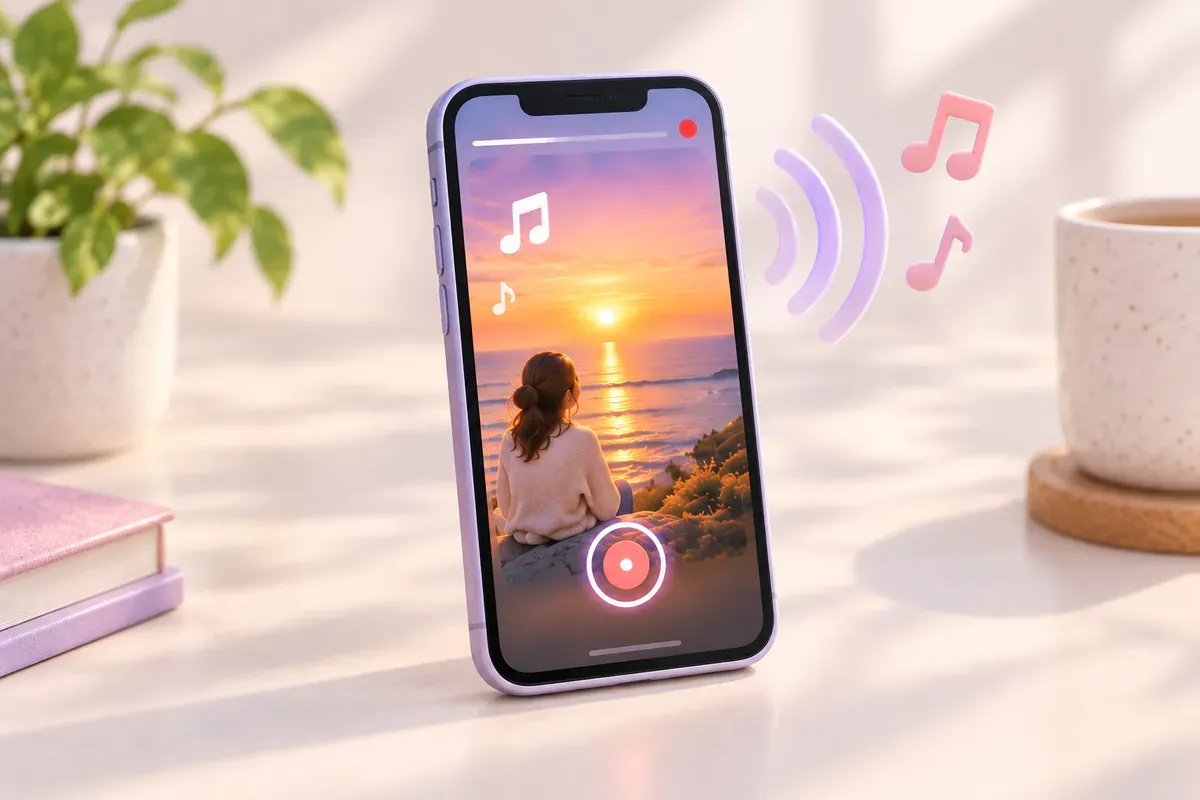
2. Screen-record it with sound
If your own story still plays with sound, try a short screen recording and check the saved file. Some apps or devices restrict audio or video recording.
- iPhone: open Control Center, tap the screen-recording button, then play the story. Keep the phone off silent.
- Android: use the built-in screen recorder and choose Media sounds as the sound source.
Good
- Depends on playback and device
- Check the recording before relying on it.
Not so good
- Lower quality than the original
- Captures taps and on-screen bars
- One story at a time, by hand
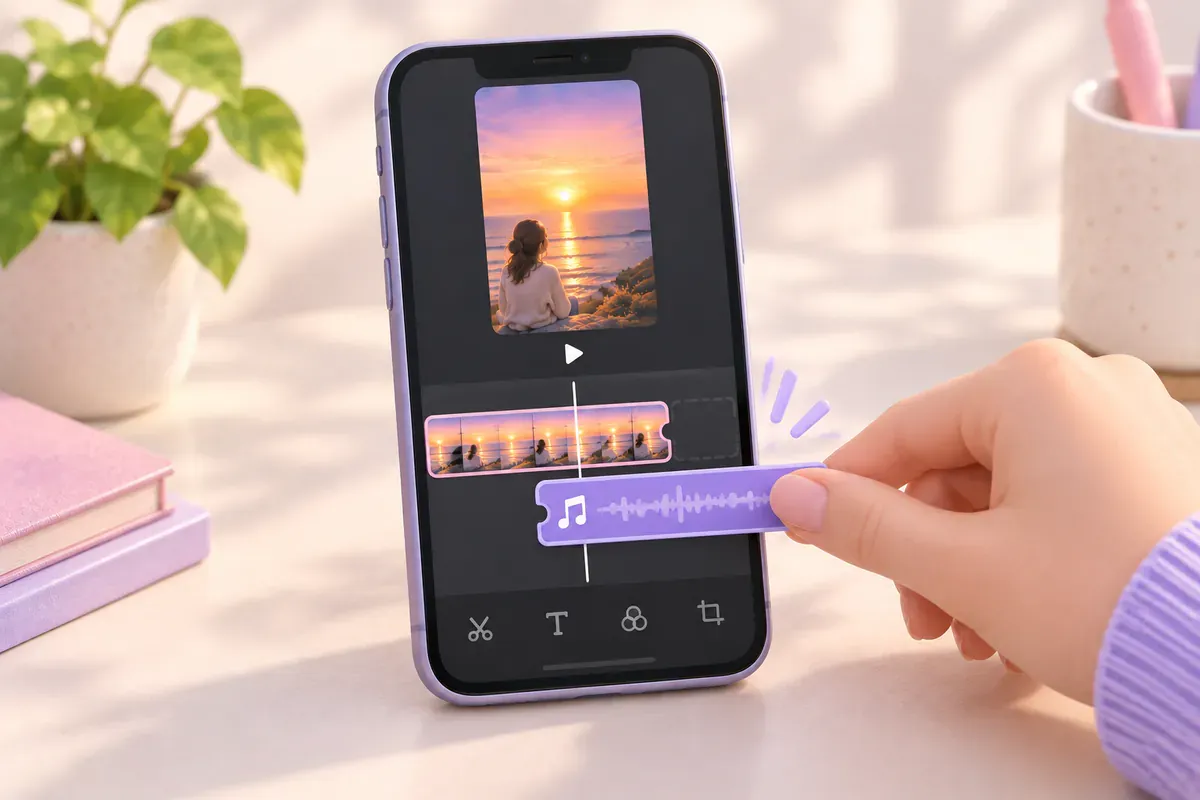
3. Put the music in the video before posting
Use music you own or have permission to use in an editor, and keep that exported original. Instagram may still mute a posted copy; downloading it again does not guarantee the same audio.
Good
- Depends on playback and device
- Full quality
Not so good
- One extra step before posting
- Use music you're allowed to use, or it may be muted
Which one should you use?
| Method | Keeps the song | Quality | Effort |
|---|---|---|---|
| Archive | Depends on playback and device | Original | None |
| Screen recording | Depends on playback and device | Lower | Every story, by hand |
| Music added before posting | Depends on playback and device | Original | A minute per story |
Check the Archive first. Test a recording if playback still has sound. For future posts, keep your original video with permitted music before uploading.
Quick questions
My saved story has no sound at all, not even my voice. Why?
Check that the story wasn't muted before posting and that your phone isn't on silent when you play it back. If only the song is missing, it's the licensing issue above.
My story isn't saving at all. What now?
That's a different problem. Go through why stories don't save to your camera roll.
References and further reading
Keep reading
How to save Instagram stories automatically (3 ways)
Turn on Instagram's two auto-save switches, see what each one keeps, and back up every new story to Telegram on its own.
4 min read#Instagram#Stories#Auto-save

How to save Instagram stories to Telegram (3 ways)
Send stories to Saved Messages yourself, use a download bot, or have new stories delivered automatically. How each one works and what happens to photo quality.
4 min read#Instagram#Stories#Telegram

Does Instagram notify when you screenshot a story? (2026 answer)
No. Instagram doesn't notify anyone when you screenshot or screen-record a story. Here's what it does show, and when DMs and vanish mode are different.
3 min read#Instagram#Stories#Screenshots